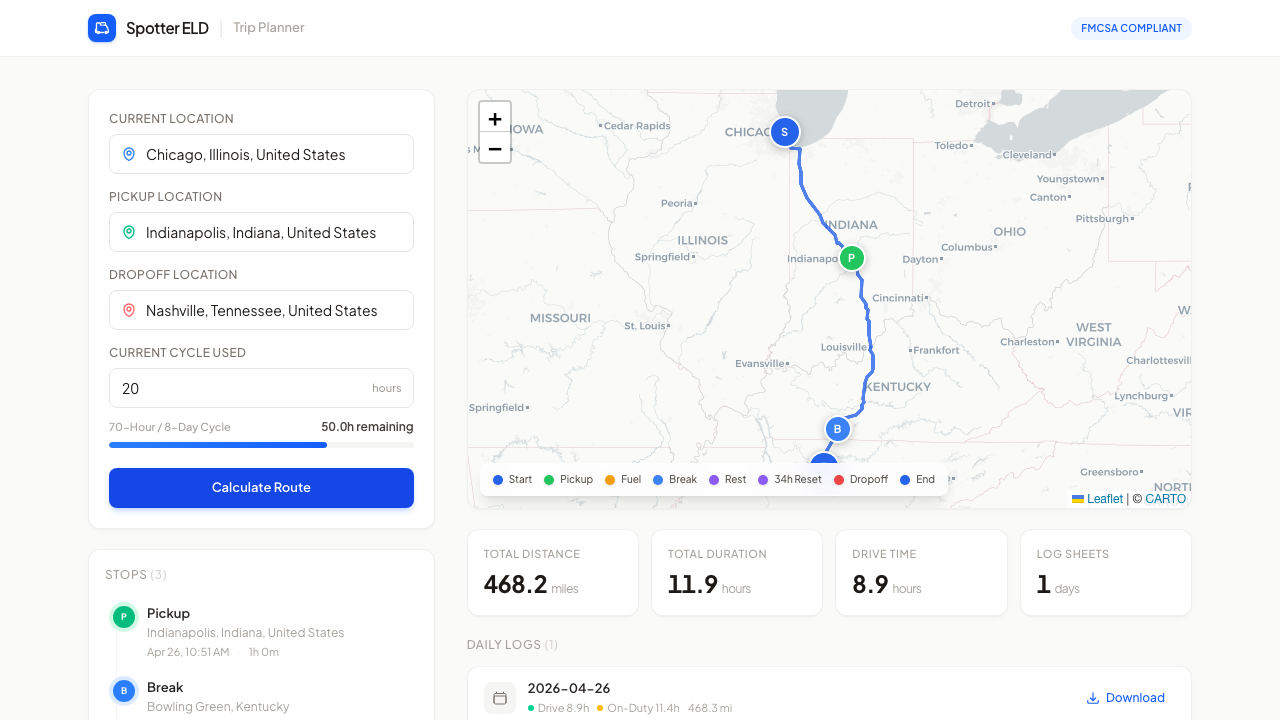
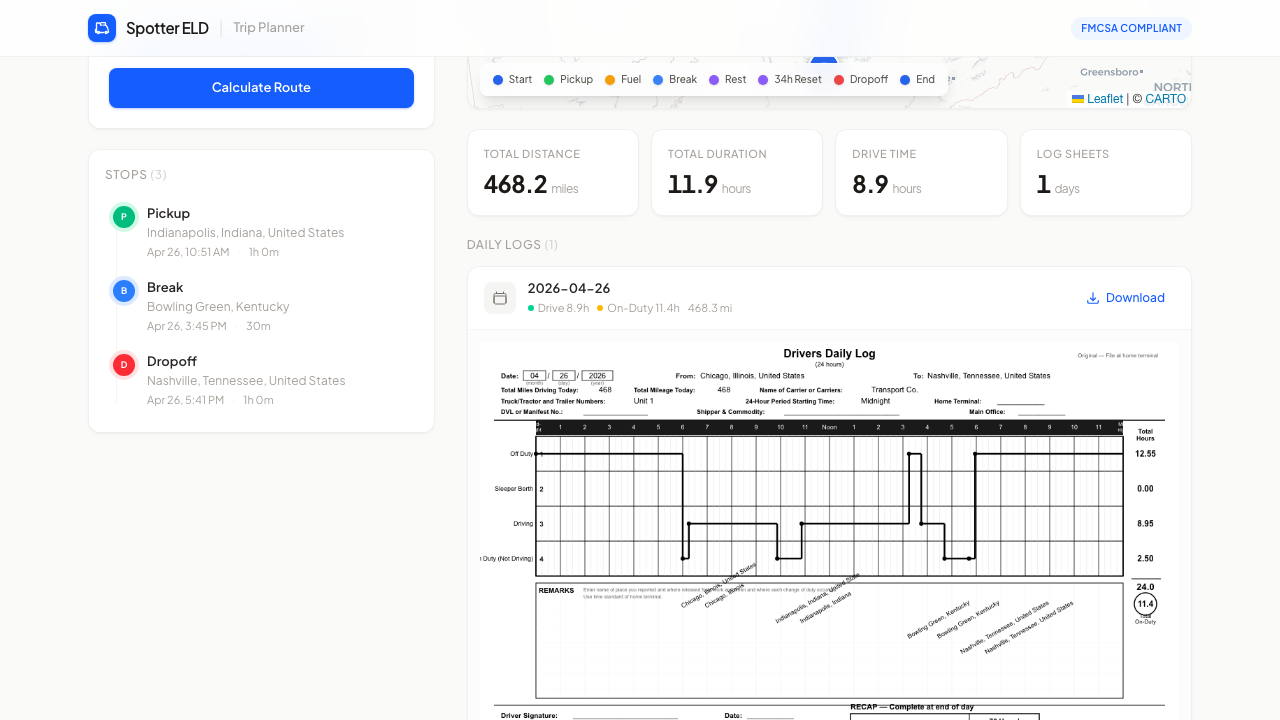
The scenes above are rebuilt in the site's own palette from one real trip the app planned, Chicago to Kansas City to Denver with 20 hours already on the cycle. Every stop, time, mile and log line in them comes from the app's own response for that trip.
Read the full write-up
Drivers plan routes and log hours by hand.
US truck drivers are bound by Hours-of-Service rules: limited drive time, mandatory breaks, and a 70-hour cycle. Most plan the trip in one place and fill out their daily log sheets separately, by hand. It is slow, easy to get wrong, and a wrong log is a compliance problem.
The design challenge
Take a dense regulatory task and make it feel like filling in three fields, without hiding the detail a driver actually needs to trust it.
One input, a route, and the paperwork done.
The whole experience fits on a single screen. A driver enters current, pickup and dropoff locations plus hours already used, hits one button, and gets a mapped route with fuel, break and rest stops, plus daily log sheets generated for them.
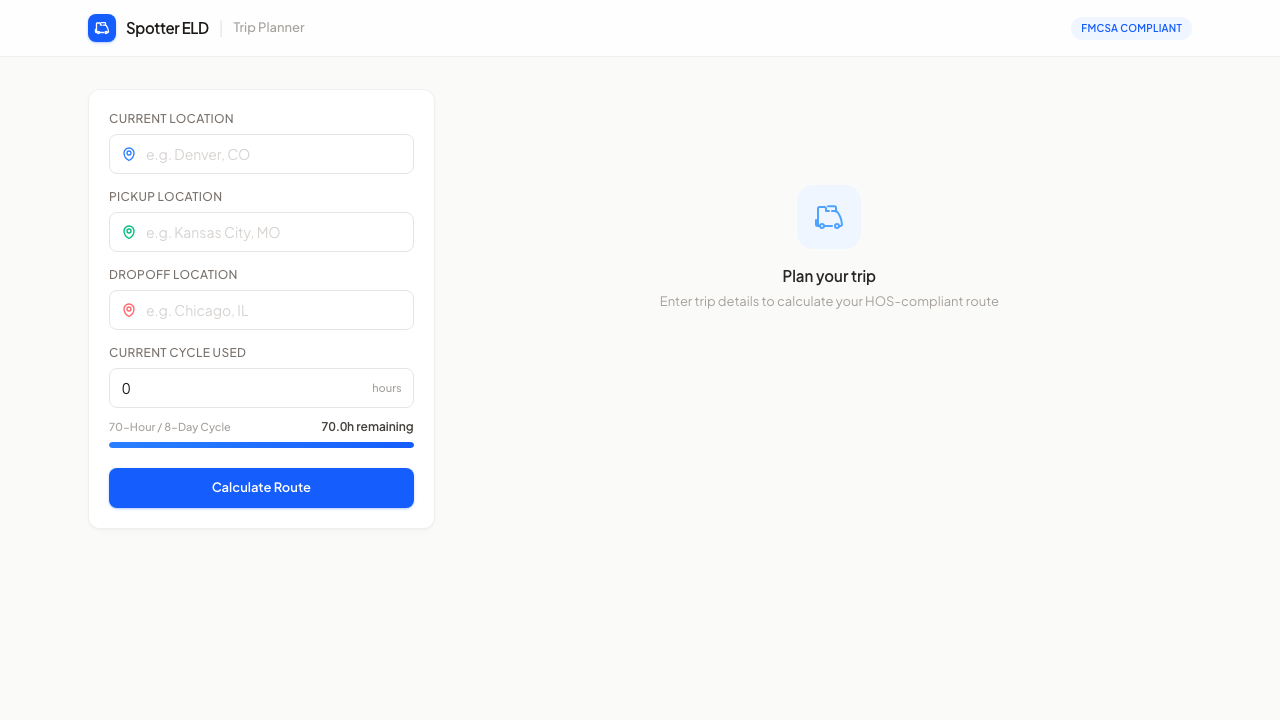
Start with a calm, obvious first move.
Before any input, the screen guides rather than overwhelms: a simple prompt and a single clear call to action, so a first-time user knows exactly where to begin.
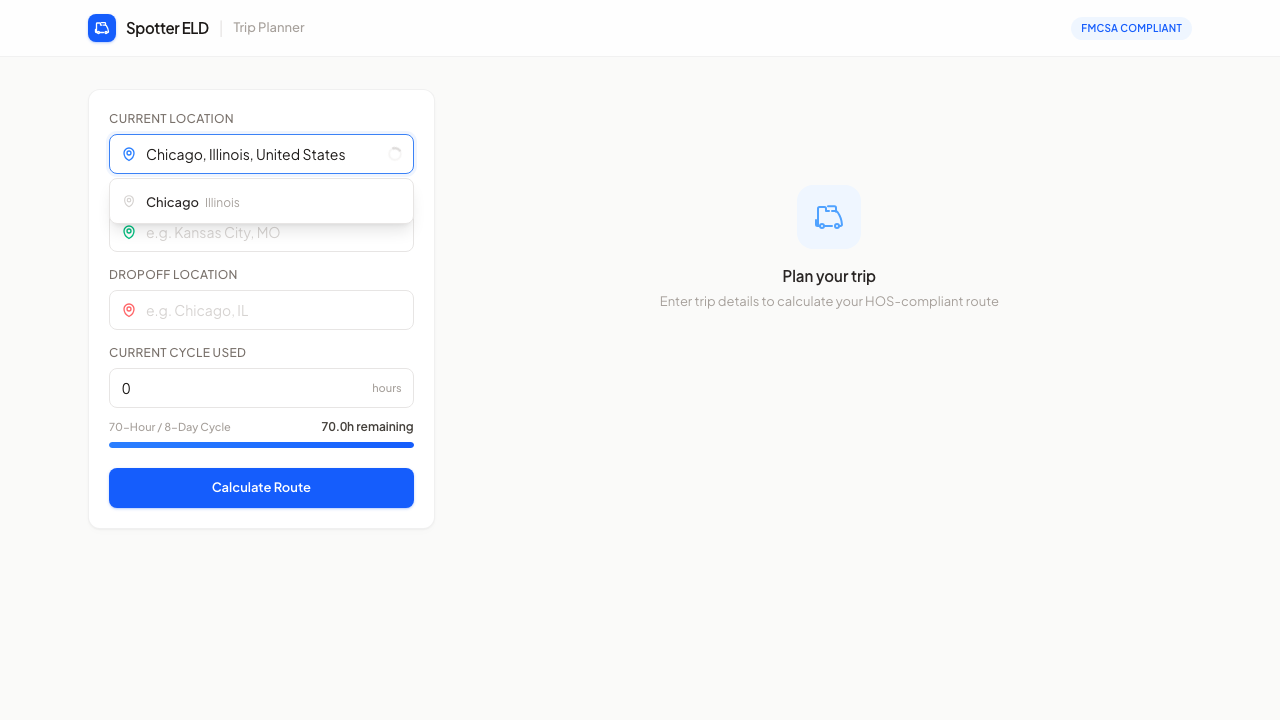
Reduce friction at the point of input.
Location fields use autocomplete with a clear map-pin affordance and a live cycle-hours indicator, so the form fills fast and the driver can see their remaining hours update as they go.
A daily log that looks like the real thing.
The standout piece is the FMCSA daily log: a faithful, drawn-to-grid duty-status sheet, generated automatically from the planned route. Getting this to read like the paper form drivers already know was the difference between a toy and something they'd trust.
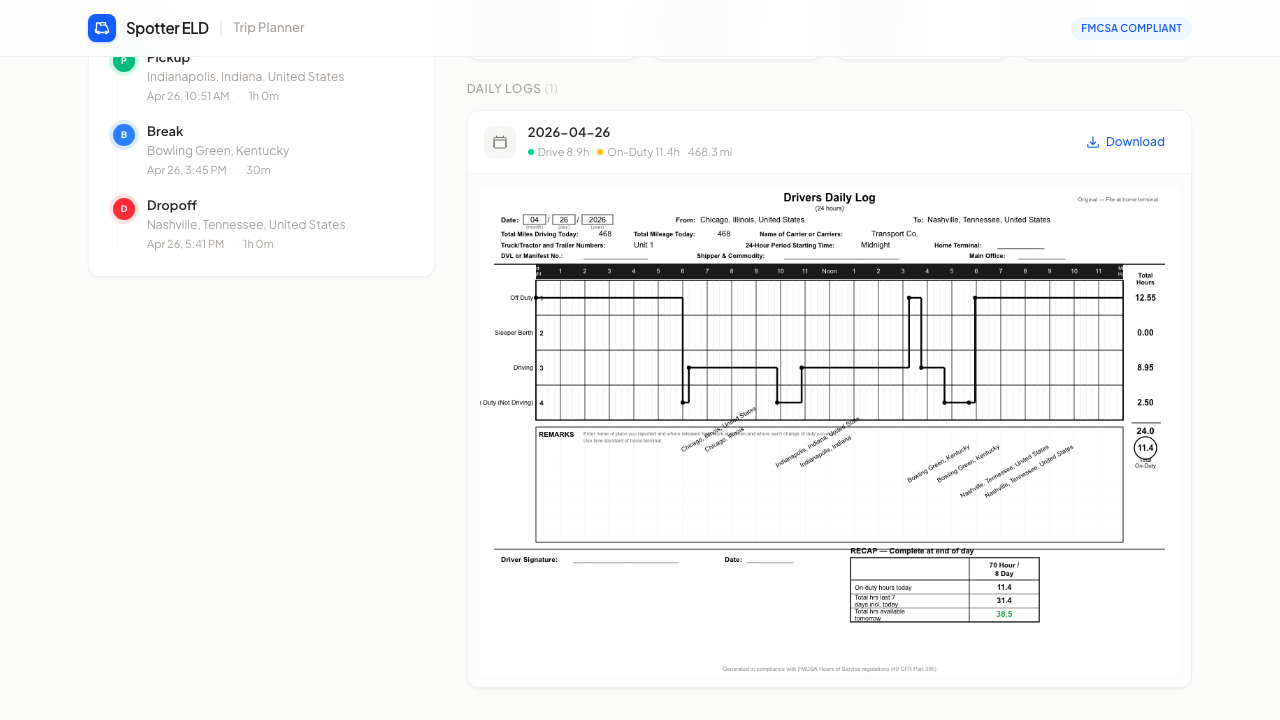
Input to compliant trip, in one view.
Stops are listed chronologically and the route, stats and logs all update together, so the driver always sees the full picture without leaving the screen.
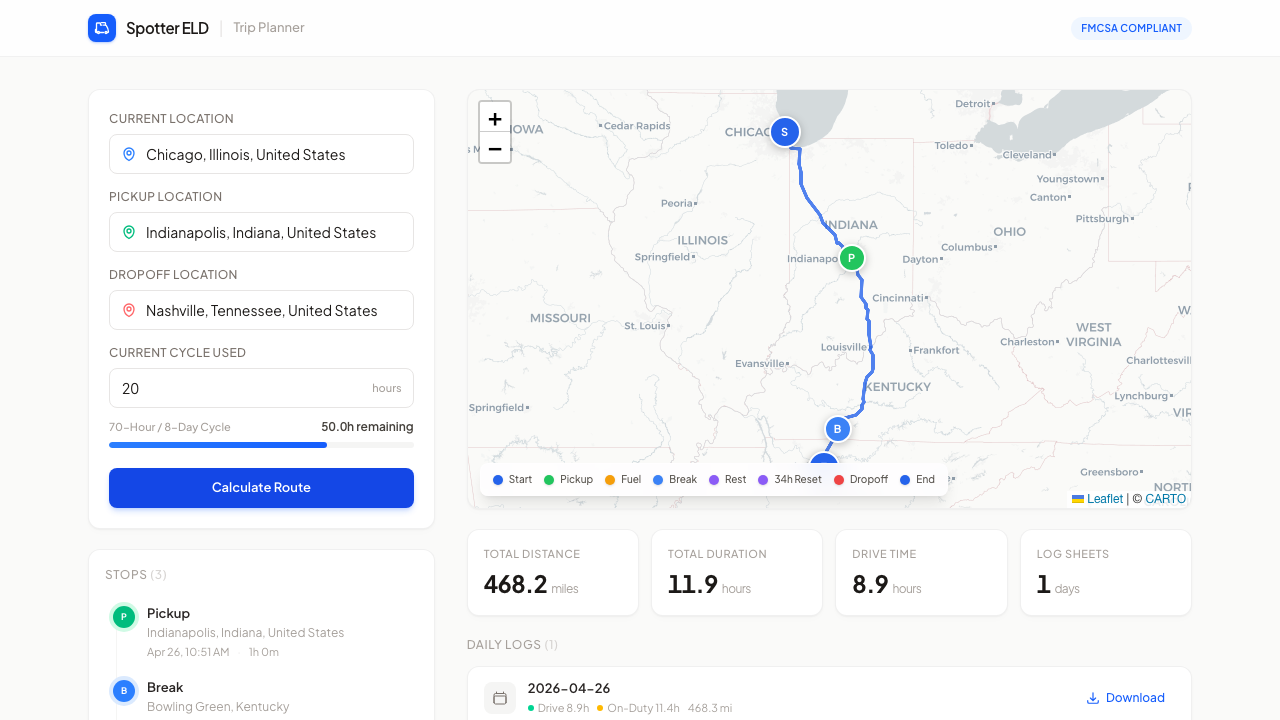
A live trip planner that draws its own FMCSA log sheets.
Spotter ELD is deployed and usable end to end, so it can be tried rather than just looked at. The rules live in a Django engine with its own tests, down to every sheet adding up to 24 hours. It's the project I point to when I want to show that I can take a genuinely complicated domain and make the interface feel simple.
Open the live app (opens in a new tab)Outcome in numbers: 15 backend tests pin the break, rest, restart and fuel rules and the sheet totals, 24.0 hours on every daily sheet, with a rest split cleanly at midnight.